> For the complete documentation index, see [llms.txt](https://docs.intebee.com/llms.txt). Markdown versions of documentation pages are available by appending `.md` to page URLs; this page is available as [Markdown](https://docs.intebee.com/introduction.md).
# Introduction
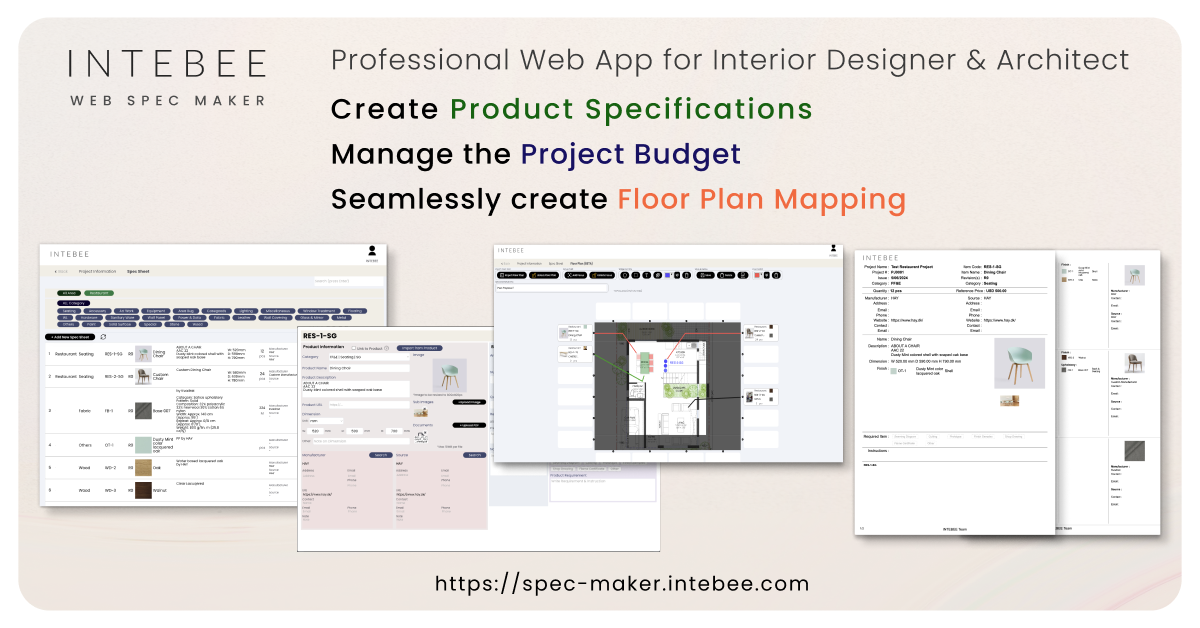
Welcome to the [INTEBEE Web Spec Maker](https://spec-maker.intebee.com/) documentation. This guide is designed to help you navigate and make the most out of INTEBEE Web Spec Maker, a cutting-edge web browser-based application tailored for interior designers, architects, sourcing companies, procurement agents, and hospitality operators.
Whether you're working solo or as part of a larger team, INTEBEE Web Spec Maker streamlines the process of creating, managing, and sharing interior design product specifications.
### Introduction
INTEBEE Web Spec Maker is the latest innovation from INTEBEE, developed in response to the needs of our users who have long sought a more accessible and collaborative way to manage their interior design specifications.
INTEBEE Web Spec Maker offers a seamless, browser-based experience, allowing you to access your projects anytime, anywhere, without the need for specialized software.
### Key Features
* **Accessibility**: Access your projects from any desktop web browser, eliminating the need for Claris Filemaker.
* **Collaboration**: Share your database online with team members, ensuring everyone has access to the latest information.
* **Comprehensive Spec Sheets**: Easily add product, finish, and fabric information, and issue detailed specification books by project.
* **Image and Document Management**: Save project-related images or floor plans and incorporate them into your Specification Books.
* **Project History**: Refer to your team's past projects for inspiration or to reuse specifications.
* **Floor Plan Mapping**: Seamlessly map your floor plan from the product specifications.
* **Customization**: While the base version of INTEBEE Spec Maker offers a wide range of functionalities, custom versions tailored to your studio's specific needs are available upon request.
####
### Plans and Pricing
INTEBEE Web Spec Maker is committed to providing value for all users, offering a range of plans to suit different needs:
* **Free Plan**: Perfect for single users, available forever at no cost. 30 Spec Sheets with 1 project.
* **Personal Plan**: Designed for small teams, supporting up to 3 team members.
* **Professional Plan**: Ideal for larger teams, accommodating up to 20 team members.
Please note that pricing is per team, not per individual user.
{% embed url="" %}